What is a Unicode to KrutiDev Converter?
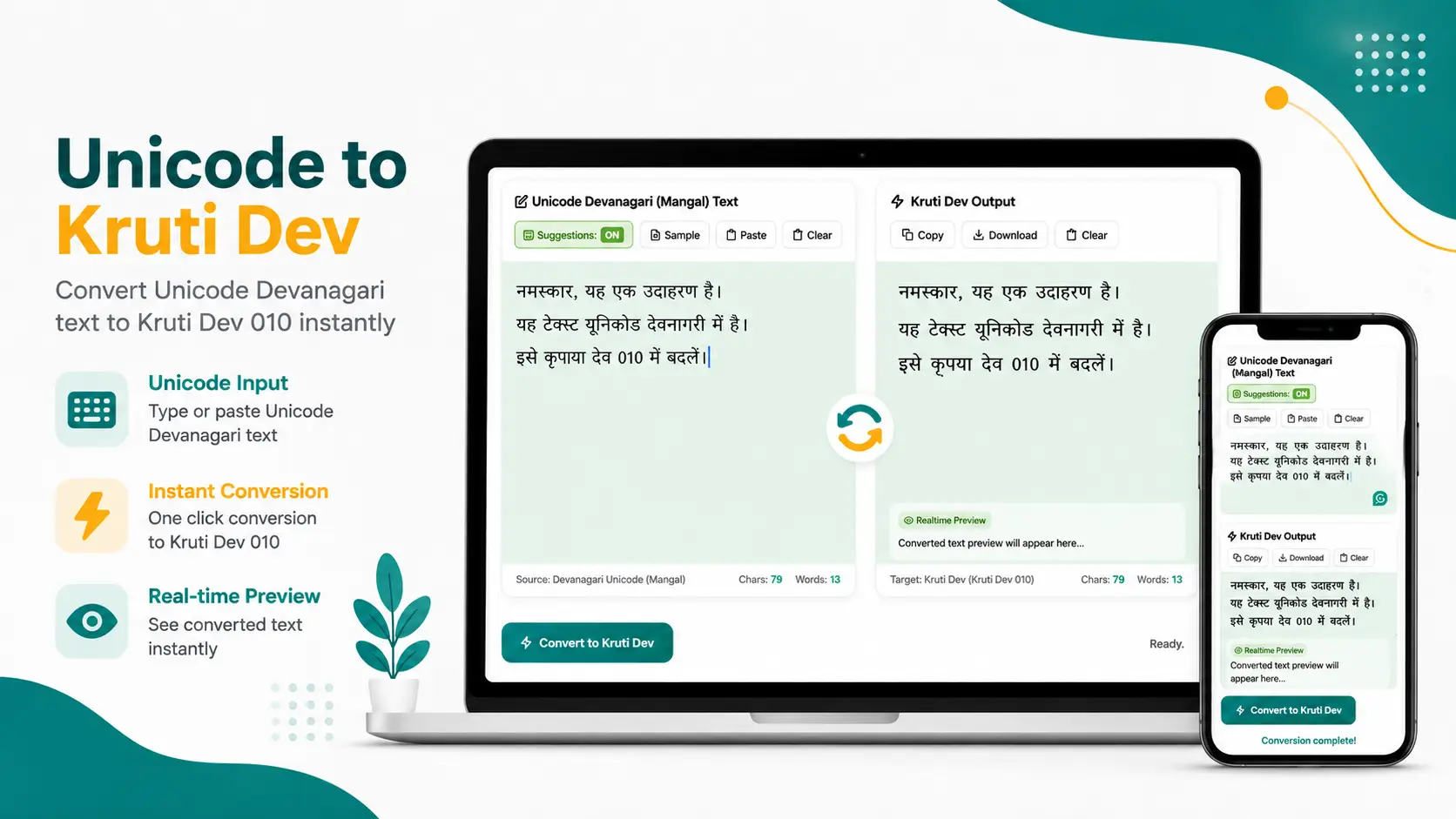
Our online unicode to krutidev converter is a free web-based utility designed to convert standard Unicode Devanagari (Mangal) text into Kruti Dev 010 and Kruti Dev 055 legacy font encoding. Kruti Dev is the standard font used in Indian government typing exams (CPCT, SSC, State PSCs), printing presses, court filings, and DTP design across India.
When you type in Hindi on smartphones, WhatsApp, or Google Input Tools, the text is generated using Unicode encoding. However, many Government of India offices, typing examinations (such as CPCT, High Court, and SSC), printing presses, and DTP software (like CorelDraw and PageMaker) still require the Kruti Dev font. This tool unicode to krutidev font converter bridges this gap by instantly re-mapping character codes, ensuring your Hindi text displays correctly in offline design tools.
Why Use this online Unicode to KrutiDev converter?
- Supports All Kruti Dev Versions — It is compatible with Kruti Dev 010, 055, and 10 font styles.
- 100% Free & Online — No software installation required, unlimited usage directly in your web browser for free.
- Phonetic Typing System — Type in English (e.g.,
namaskar) and get instant Hindi/Devanagari word suggestions - Accurate Character Mapping — It correctly renders complex Devanagari character combinations (Sanyukta Akshar, Rakar, Reph, and half-letters) without creating broken symbols or boxes (\square).
- Copy & Download — One-click copy to clipboard or text file download for offline office use
- Cross-Platform — Fully responsive on Android, iPhone, Windows, and Mac devices
If you are preparing for government typing exams or need to convert unicode to kruti dev 01 for publishing work, our unicode to krutidev converter ensures 100% accuracy and speed.
Unicode vs Kruti Dev — Comparison
Here you can see the comparison between Unicode and Kruti Dev legacy font:
| Feature | Unicode (Mangal) | Kruti Dev 010 / 055 |
|---|---|---|
| Used in | Websites, Mobile Apps, WhatsApp, Word | Government Exams, DTP, Printing Presses |
| Font required | Any Unicode font (Mangal, Nirmala UI) | Kruti Dev 010 / 055 font installed |
| Editable directly | Yes, across all modern devices | Requires matching Kruti Dev font |
| Common use | Typing, Online Publishing, Web & SEO | Court filings, Typing tests,print media, CorelDraw |
Common Problem: Why Converted Text Looks Like English Symbols?
This is a common issue users face, and it is easy to fix:
When you copy the output generated unicode to krutidev 010 by this tool, the underlying keystroke data is also copied. If you paste this into Microsoft Word, CorelDraw, or Photoshop without selecting the correct font, Windows defaults to displaying standard English text (such as 'd' or 'kks').
To display the Hindi text correctly:
- Select or highlight the converted text in your document editor.
- Apply the font Kruti Dev 010 or Kruti Dev 055 from the font dropdown menu.
- The Devanagari characters will appear instantly in Hindi.
- For DTP or publishing work, use CorelDraw or Adobe PageMaker, as Photoshop does not support these fonts natively.
Note: The Kruti Dev font file must be installed on your computer. If it does not appear in your software's font dropdown menu, download the standard Kruti_Dev_010.ttf font file, open it, and click "Install.”
I hope this unicode to krutidev converter will help you in your work. If you have any suggestions or feedback, please let us know through the contact page.